
Our vision
Squarelet is a free, accessible tool to empower digital co-creation and self-directed learning. It provides an easy way to discover, create, remix and share new ideas.
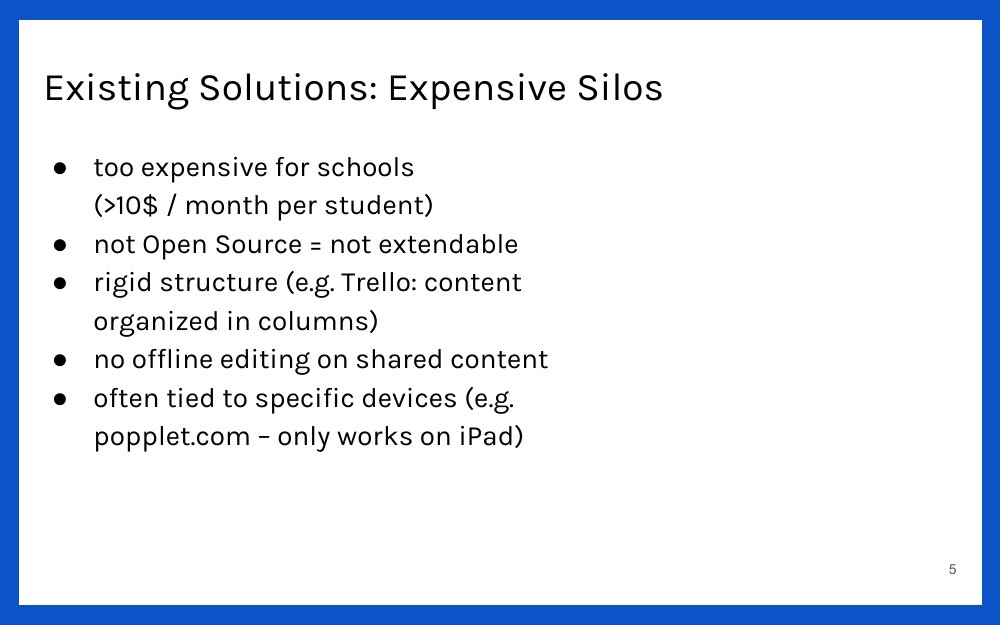
Existing solutions are often expensive silos: too costly for schools (more than 10 dollars per student per month), not open source and therefore not extendable, rigidly structured (for example content organised only in columns), without offline editing on shared content and often tied to specific devices. Squarelet was designed as the opposite.
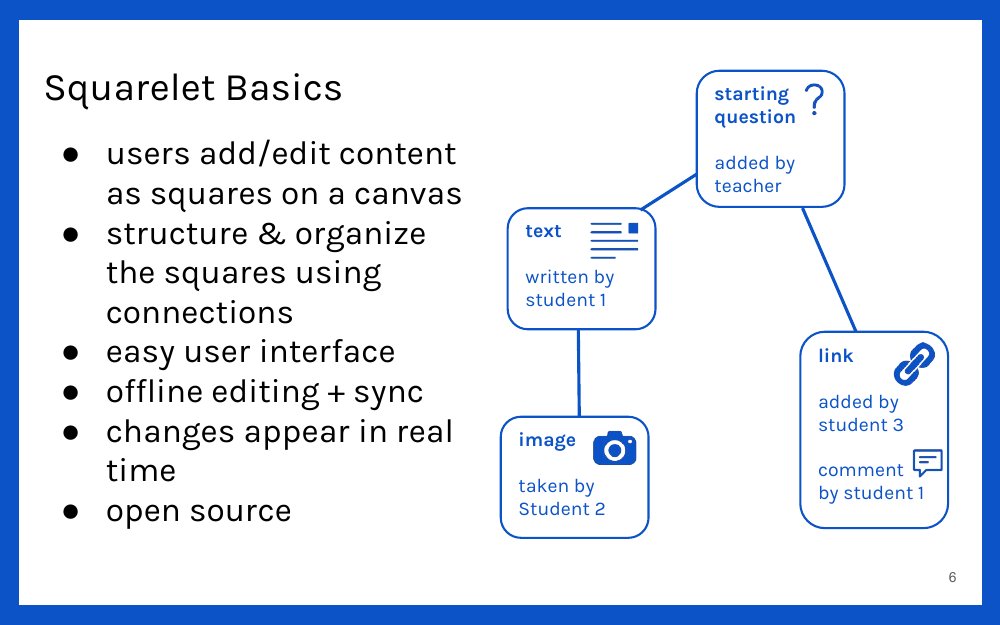
Squarelet basics
- Users add and edit content as squares on a canvas.
- They structure and organise the squares using connections.
- An easy user interface – no training needed.
- Offline editing and synchronisation.
- Changes appear in real time.
- Open source.
A typical board starts with a starting question added by the teacher. Students add text, images and links – and comment on each other’s squares.
Multiple content types
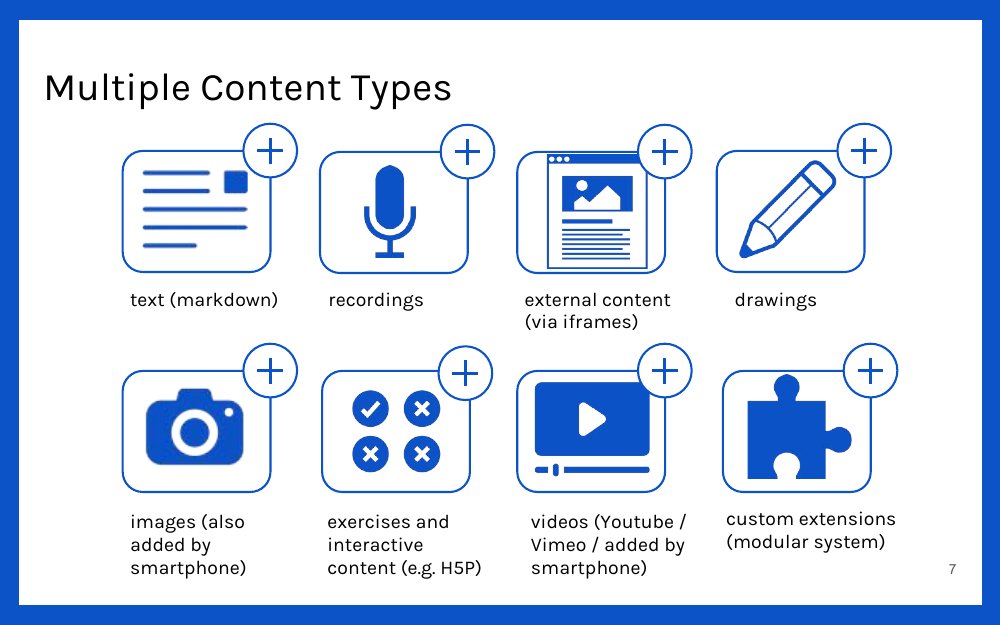
The concept includes text (Markdown), audio recordings, external content via iframes, drawings, images (also added by smartphone), exercises and interactive content (e.g. H5P), videos from YouTube or Vimeo, and custom extensions through a modular system.
Interaction
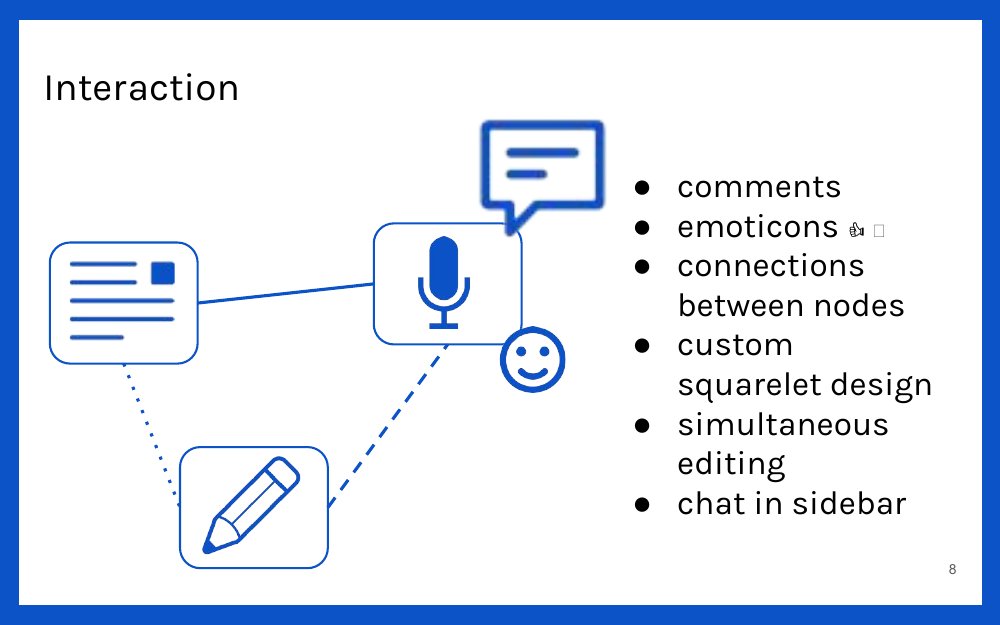
Comments, emotions, connections between nodes, custom Squarelet design, simultaneous editing and a chat in the sidebar turn a board into a place for conversation.
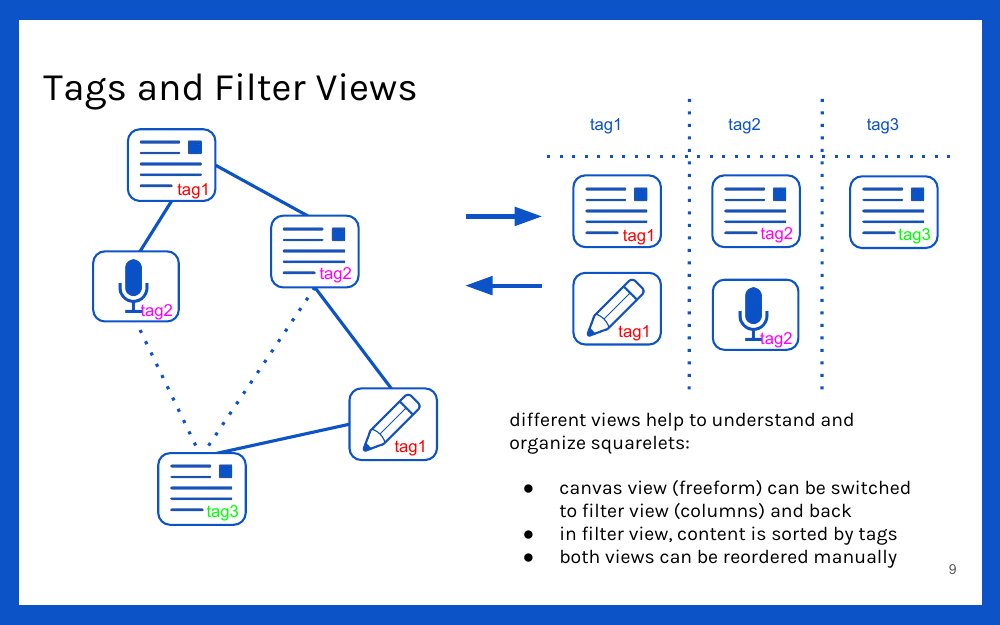
Tags and filter views
Different views help to understand and organise squarelets. The free canvas view can be switched to a filter view in columns and back. In filter view, content is sorted by tags; both views can be reordered manually.
You can try exactly this on our browser board: tag squares and press “Columns”.
Offline editing and synchronisation
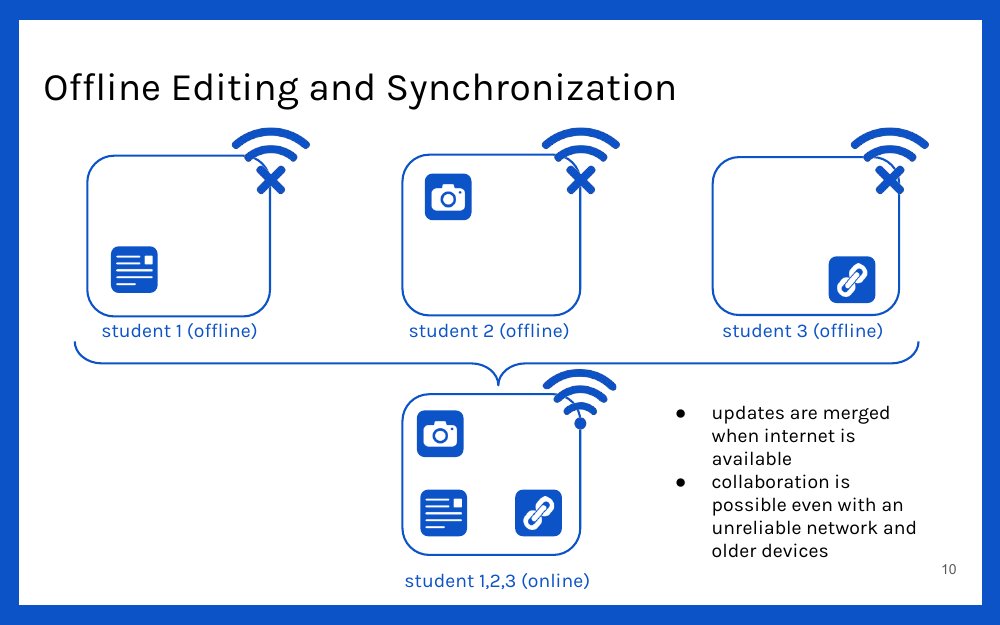
Updates are merged when an internet connection is available. Collaboration is possible even with an unreliable network and older devices. The prototype stored all data locally in IndexedDB and used a service worker so that Squarelet works without a connection.
Discovery and sharing
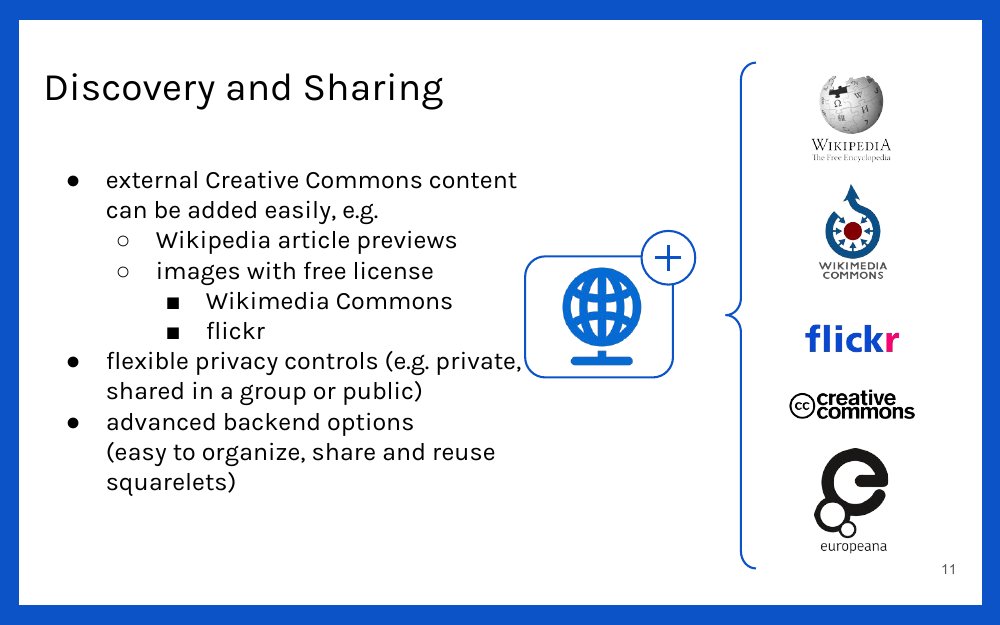
External Creative Commons content can be added easily – Wikipedia article previews, images with free licences from Wikimedia Commons or Flickr. Flexible privacy controls (private, shared in a group or public) and advanced backend options make it easy to organise, share and reuse squarelets.
Roadmap of the original project
The prototype development was funded until December 2018. With additional funding the team wanted to develop support for different browsers, a mobile version, improved sync for collaboration, an improved user interface and options to save and share squarelets.
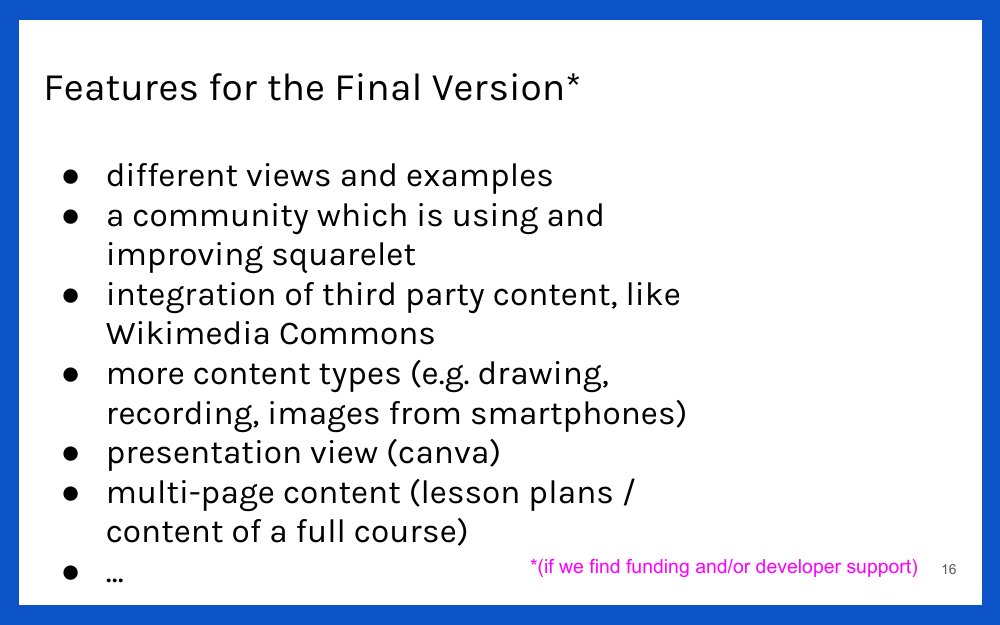
Features for the final version included different views and examples, a community using and improving Squarelet, integration of third-party content like Wikimedia Commons, more content types (drawing, recording, smartphone images), a presentation view (canvas) and multi-page content such as lesson plans or a full course.
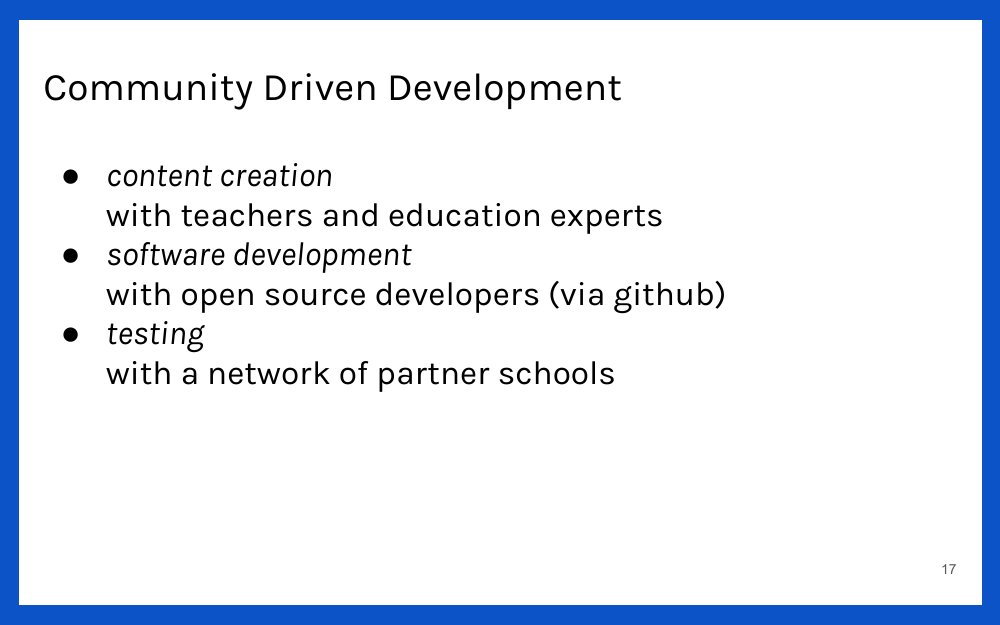
Development was planned to be community-driven: content creation with teachers and education experts, software development with open-source developers via GitHub, and testing with a network of partner schools.
All slides
The complete concept presentation (19 slides). Click a slide to enlarge it or download the PDF.
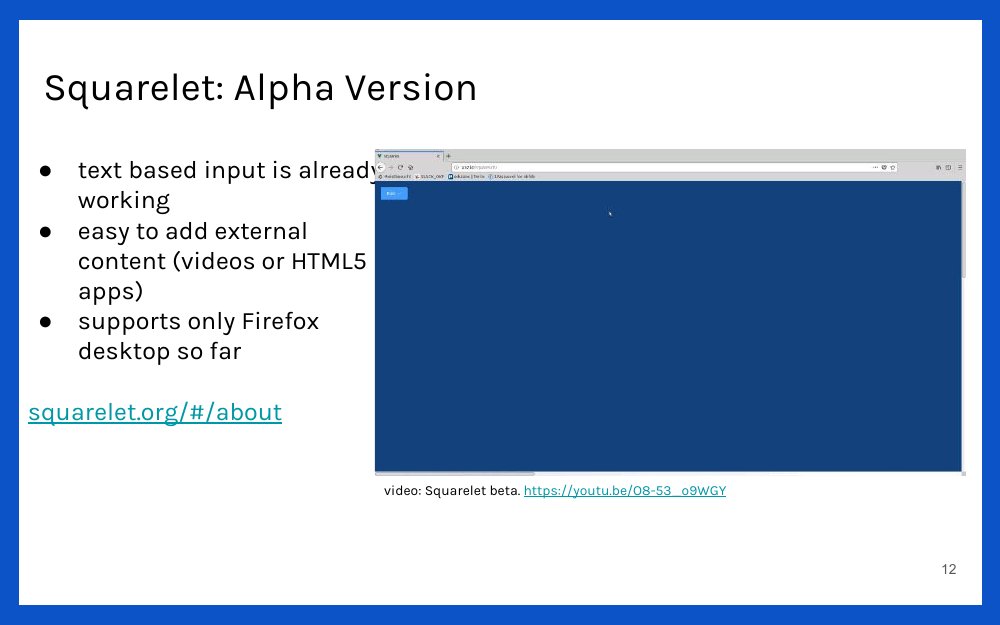
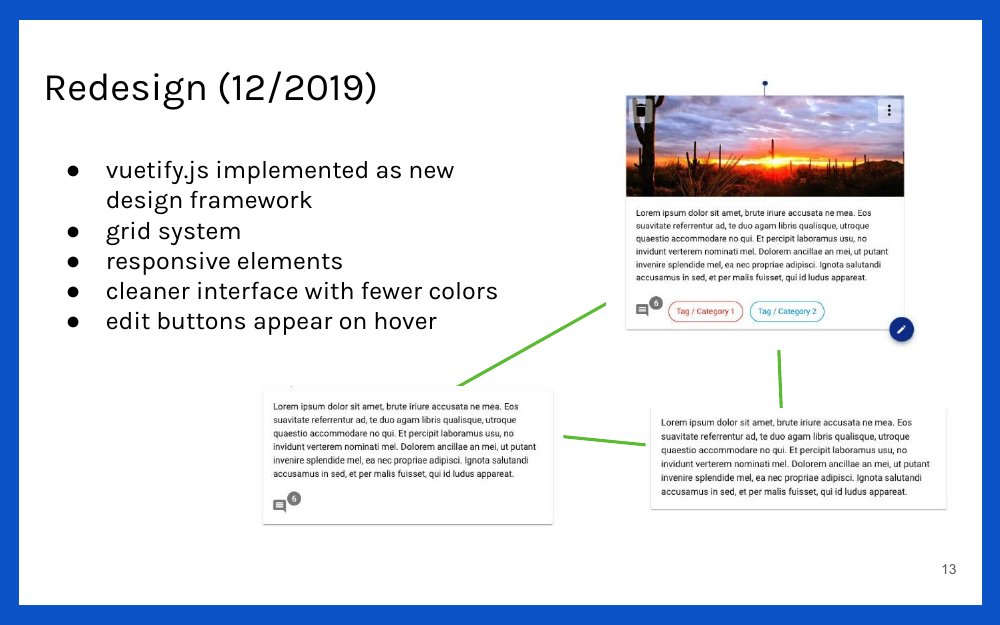
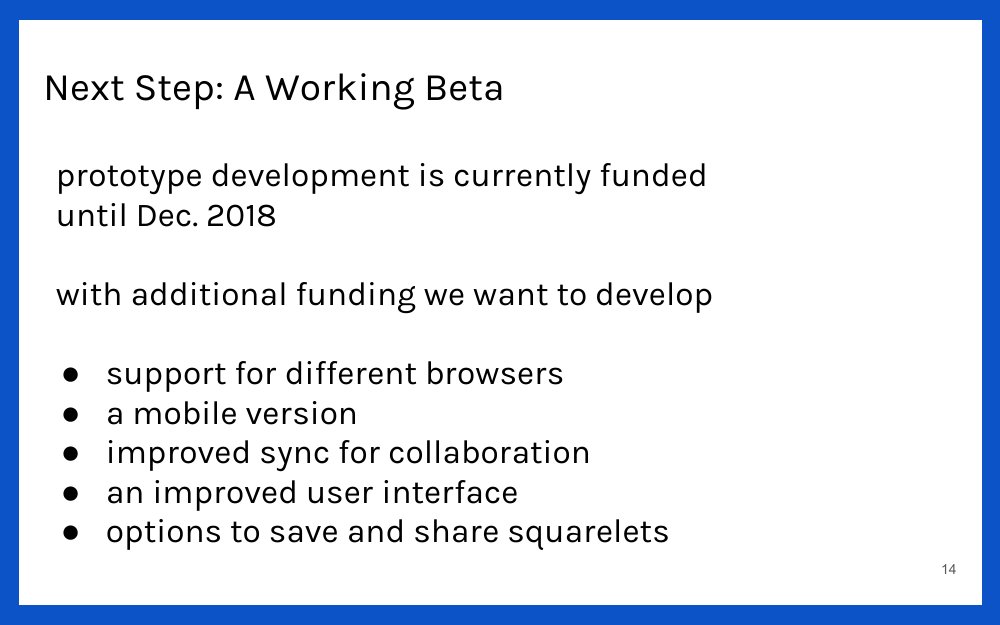
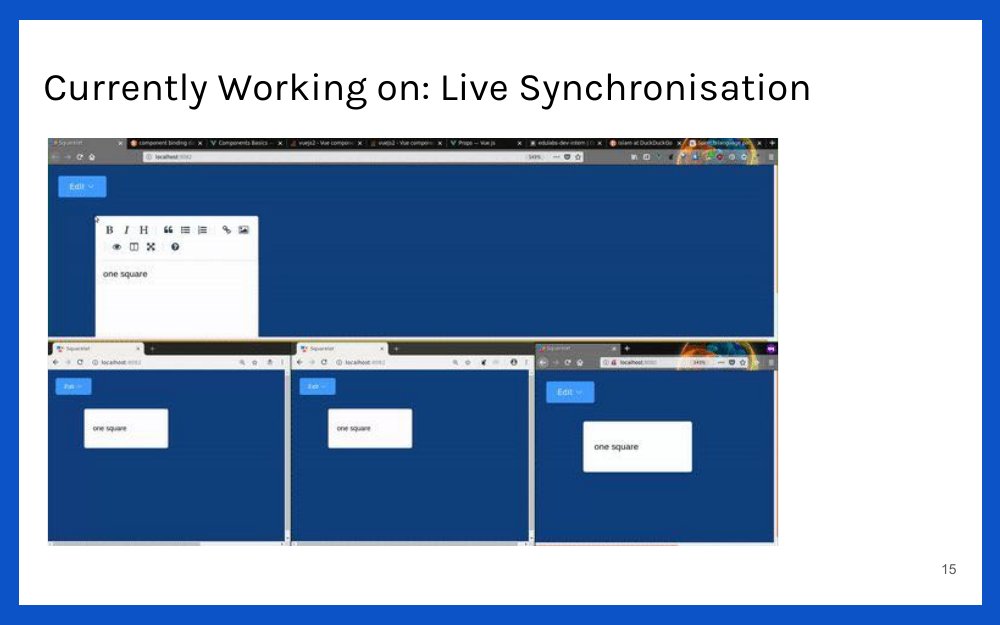

Slides: original Squarelet concept presentation (Open Knowledge Foundation Deutschland / edulabs, 2018). Contact details on the slides refer to the original project; please use our contact page.
See the concept in action
Our browser board implements squares, connections, tags and the column filter view.
Open the board